
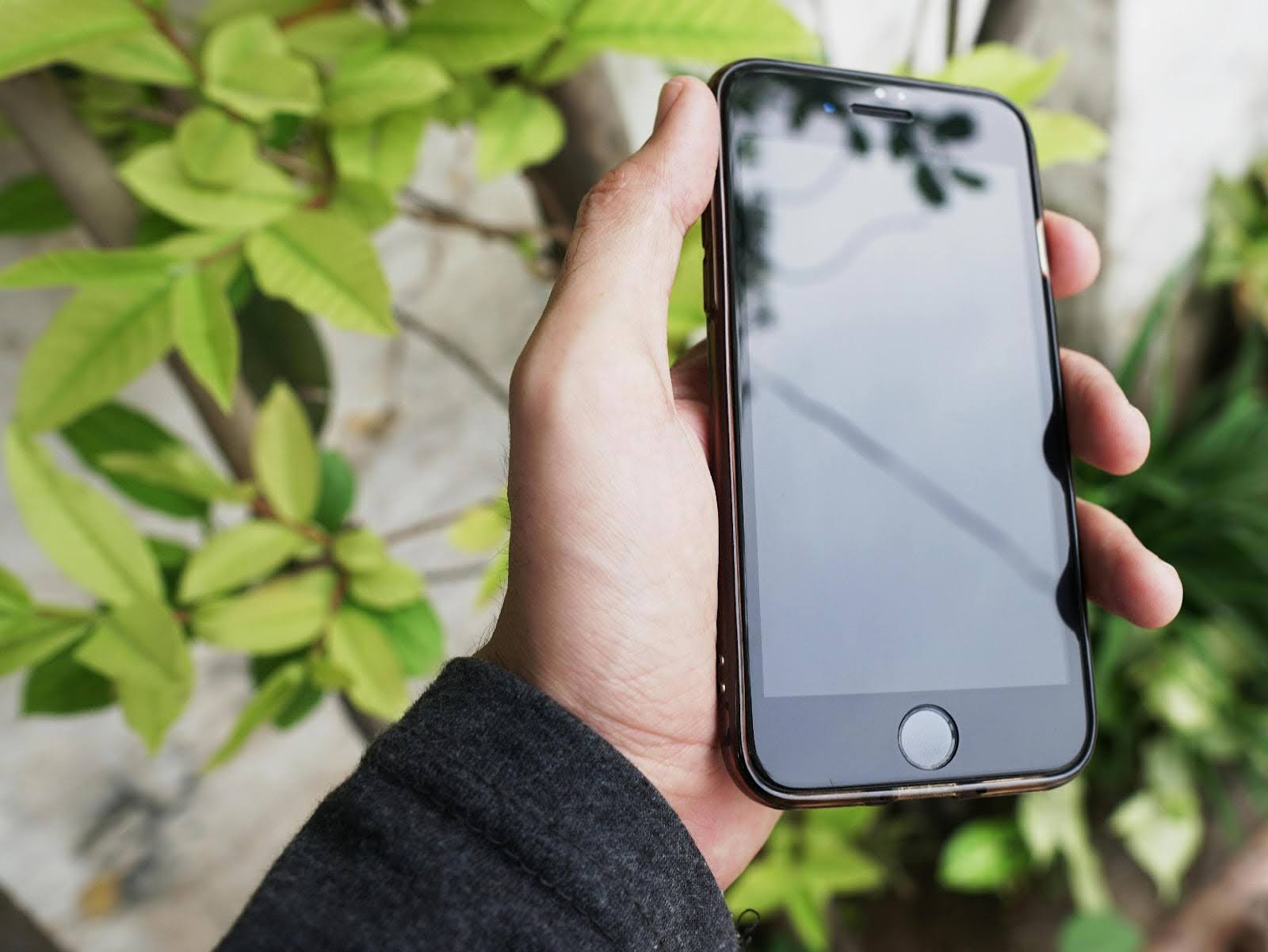
If you’ve ever wondered what to do with old cell phone models sitting in a drawer, you’re not alone. Many people upgrade to a new device and set the old one aside, unsure how it might still be useful. The good news is that your retired phone can serve a valuable purpose. With a little preparation, you can repurpose it into a phone backup device or even a cell phone mobile hotspot. Both options give you extra peace of mind, whether you’re traveling, experiencing a home internet outage, or just want an emergency backup ready to go.
Preparing Your Old Cell Phone for Reuse
Before giving your phone a new role, it’s important to wipe it clean and get it updated. Start by backing up and removing personal data, then perform a factory reset so it feels like a fresh device. Make sure the phone is running the latest software version available, since updates often include security improvements. From there, reinstall only the essential apps you might need — messaging, maps, and emergency contacts are usually enough. Taking these steps ensures your old phone is secure, streamlined, and ready for its next purpose.
Using Your Old Cell Phone as a Backup Device
A phone backup device can be a lifesaver when your primary phone is lost, damaged, or out of power. To make it effective:
- Keep only a minimal set of apps for faster performance.
- Store important contacts and emergency numbers.
- Link it to your existing account so it can be activated quickly if needed.
- Charge it periodically and store it in a safe, dry place.
Having a ready-to-use backup means you’ll never be left without a lifeline in emergencies
Turning Your Old Phone Into a Hotspot
One of the most practical uses for old cell phones is setting them up as mobile hotspots. A hotspot works by sharing your phone’s data connection so that other devices — like laptops and tablets — can access the internet. Not every phone plan includes this feature, so first check that your carrier allows cell phone tethering vs. hotspot use. Once confirmed, you can enable the hotspot in your settings: iPhone users will find it under Personal Hotspot, and Android users under Mobile Hotspot & Tethering.
For security, be sure to create a strong password before connecting other devices. And remember, hotspot usage can consume a lot of data quickly, especially when streaming or downloading files. Keeping an eye on your data consumption ensures you won’t run into surprises on your bill.
Extending Your Old Phone’s Lifespan
To keep your device useful for years:
- Store it in a cool, dry place and avoid extreme heat.
- Charge it occasionally, even if it’s not in use.
- Add a basic case and screen cover to protect against damage.
- Test its functions every few months so it’s ready when you need it.
Creative Extras
Beyond being a phone backup device or hotspot, your old phone can serve other roles. Many people use them as dedicated music or podcast players so their primary phone’s battery isn’t drained. Others set them up as navigation devices for car trips, or even repurpose them into home security cameras and baby monitors. Repurposing gives new life to older technology, and it’s a great way to reduce waste while adding value.
Final Thoughts
Knowing what to do with old cell phone models makes them valuable tools instead of forgotten gadgets. Repurposing an old phone as a backup or hotspot saves money, reduces waste, and gives you peace of mind.
At Affinity Cellular, we make staying connected simple and affordable. Explore our flexible pay-as-you-go phone plans today — perfect for both your primary phone and any repurposed devices you’d like to keep active.