
Key Takeaways
- Learning how to organize your home screen layouts helps reduce stress and improves access to essential apps like calls, messages, and contacts.
- Creating a simple home screen layout by removing clutter and prioritizing key apps makes your phone easier and faster to use daily.
- Using home screen organization techniques like grouping apps into folders and adding helpful widgets keeps your device clean and efficient.
- Adopting a minimalist home screen and thoughtful home screen design can improve focus, readability, and overall user experience.
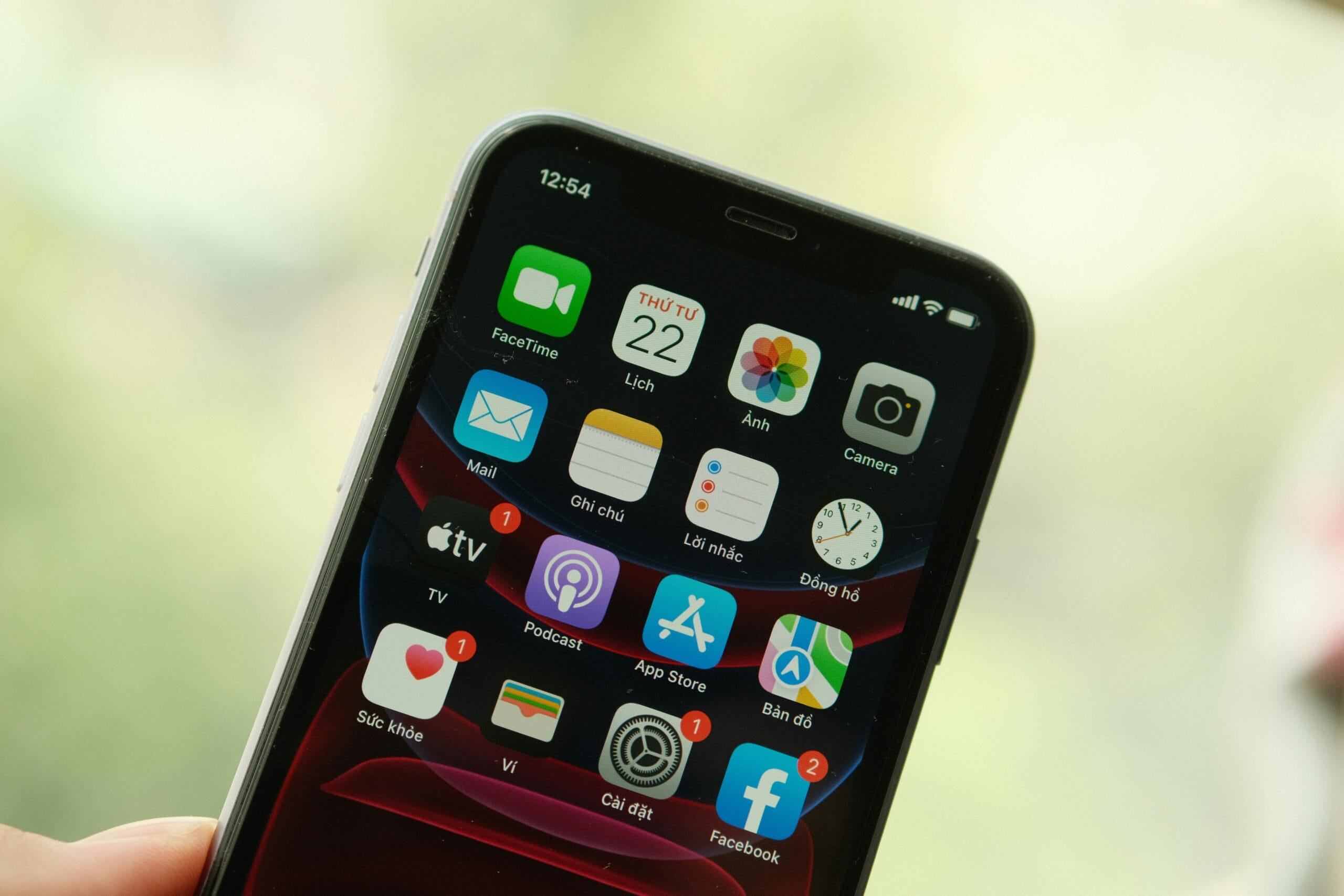
An organized screen places your most important apps front and center, ready when you are. But a cluttered display often leads to stress and frustration, especially when trying to make a call or check a message in a hurry. Whether you’re managing health reminders or simply looking to streamline your daily routine, a simple home screen layout can save time and reduce confusion.
Let’s walk through how to organize your home screen for clear, calm, and confident use.
Why Simplify Your Home Screen?
When your home screen is packed with unused apps, random icons, or flashy backgrounds, it can feel overwhelming. For seniors, it may mean struggling to find contacts or camera apps quickly. Younger users might prefer a minimalist home screen that’s clean and distraction-free. Regardless of age, good home screen organization helps make every tap count.
Start with a Clean Slate
Begin by removing apps you rarely use. Long-press an app icon to uninstall or move it off the main screen. Clear away widgets that take up space but add little value. Then, choose a calming background — something simple like a soft color or nature scene. It makes icons easier to spot. Adjust the brightness and increase the font size if needed. These small changes improve readability and reduce eye strain.
Group and Prioritize Apps
Your first screen should hold your essentials. Keep the phone, messages, camera, and contacts front and center. Next, create folders for related apps. You might label them “Finance,” “Photos,” “Health,” or “Tools.” Drag and drop similar apps into each folder for a neat appearance. Make sure any emergency contacts or health apps are easy to reach, just in case.
Use Built-In Tools to Stay Simple
Take advantage of shortcuts and widgets. Pin your calendar, alarm, or weather widget to your main screen so you can check information with one tap. Rearrange your icons so your thumb naturally reaches them, especially helpful for one-handed use. If certain apps cause distractions, consider hiding or disabling them. Your home screen design should help you focus, not pull your attention away.
Accessibility Options That Help
Modern phones come with features that make daily use more comfortable. Increase icon size, add labels under apps, or turn on high-contrast mode. These settings boost visibility, especially for those with vision changes. Voice commands like “Open Messages” or “Call Sarah” allow for hands-free navigation and are built right into most smartphones.
Customizing for Seniors and Families
If you’re helping a loved one set up their device, consider creating special pages for specific needs. A separate screen for medication reminders, doctor apps, or favorite contacts can be helpful. For shared phones or those used by children, limit access to unnecessary apps and keep layouts simple. Knowing how to organize a home screen for others brings peace of mind for both users and caregivers.
Keep It Organized
Over time, our needs change. Review your apps every few months. Delete ones you no longer use and update your folders to reflect your current habits. A balance between useful tools and simplicity makes the phone more enjoyable and less frustrating to use. Maintaining a minimalist home screen doesn’t take much time and can make a big difference.
Stay Connected with Less Stress
Taking a few minutes to create a simple home screen layout leads to a smoother phone experience every day. From placing key apps at your fingertips to removing distractions, each step brings you closer to a setup that works for you. At Affinity Cellular, we believe staying connected should be easy and stress-free. Our no-contract phone plans, easy-to-use devices, and USA-based customer support are all part of that promise.
Try a few of these tips today and enjoy a phone that works the way you want: clear, calm, and organized.