
Key Takeaways:
- Your phone — whether basic or advanced — can serve as a simple, effective tool for managing medications, appointments, and daily health routines.
- Built-in features like alarms, calendars, and notes apps make it easy to set reminders and track health information without downloading anything new.
- Free, user-friendly apps, like medication reminder apps, can enhance medication tracking and allow for added support, such as caregiver notifications and health monitoring.
- Small adjustments like aligning reminders with daily habits, customizing alerts, and organizing information can make your phone a reliable health companion.
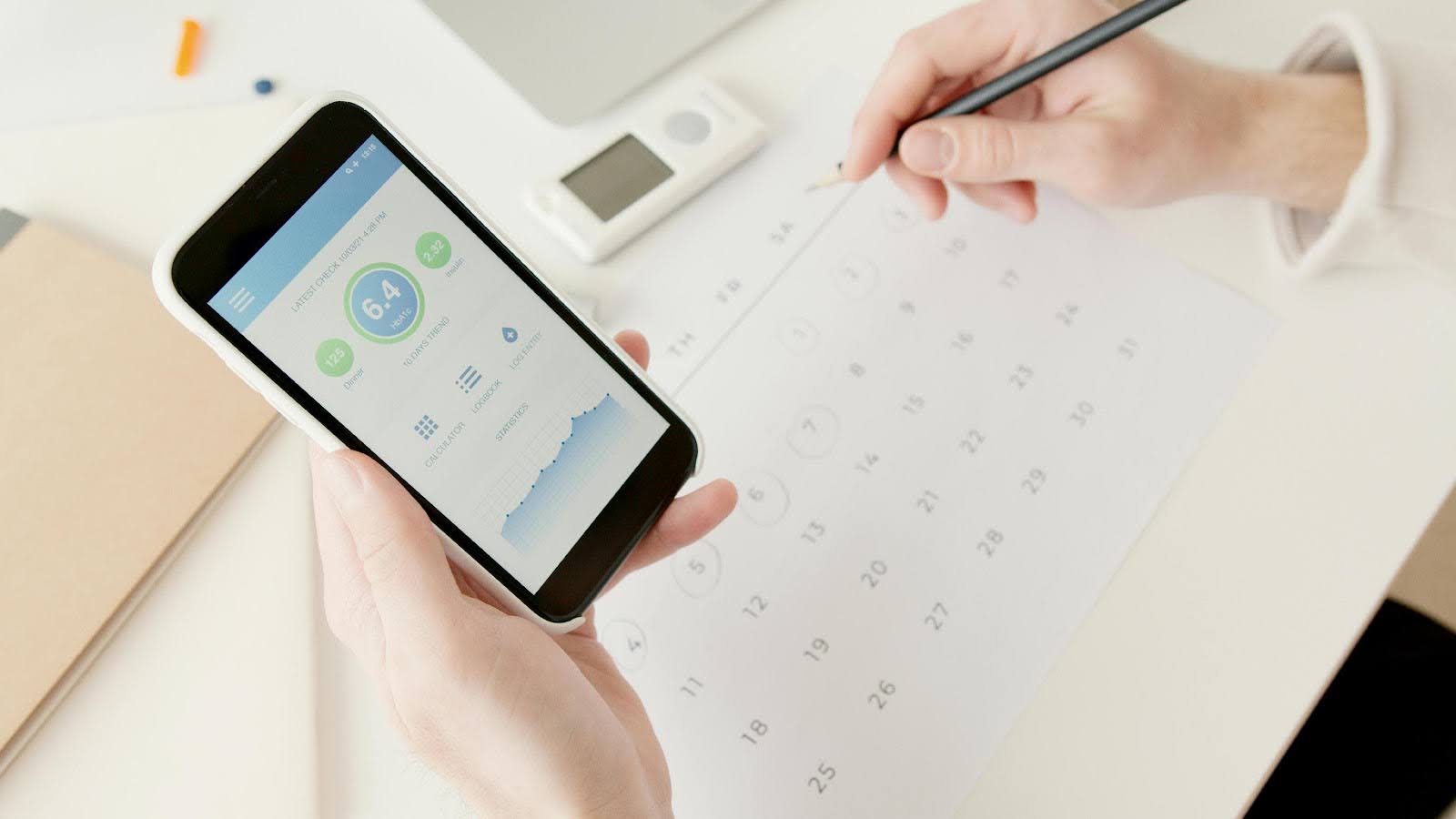
Staying consistent with medications, appointments, and healthy routines can be tough — especially when daily life gets busy. But your phone, even a basic model, can help keep you on track. Whether you’re managing prescriptions, tracking blood pressure, or remembering checkups, your phone can act as a personal assistant right in your pocket.
You don’t need a complicated smartphone or expensive subscription. With a few easy steps, you can set reminders for medications on your phone, use free apps to log important details, and never miss a doctor appointment reminder again.
Built-In Tools That Work for Everyone
Most phones already include tools that make for great medication reminders for seniors. For instance, you can set recurring alarms at the times you take your medication and label them clearly, such as “Morning Pill” or “Blood Pressure Check.”
Your phone’s calendar can also be a powerful tool. You can create notifications for refill dates or upcoming appointments and even color-code events, so your health tasks stand out from everything else. Another simple option is the notes or to-do list app. These can be used to jot down dosage instructions, record side effects, or track your daily health goals.
These built-in features don’t require downloading anything new and are ideal for anyone who prefers to keep things easy and straightforward.
Helpful Apps for Managing Health
If you’re comfortable installing apps, there are several reliable and free medication reminder apps that run smoothly on affordable phones.
Apps like MediSafe send gentle reminders for each dose and even let family members check in to make sure medications aren’t missed. MyTherapy offers a combination of medication tracking and simple health tracking apps for monitoring mood, symptoms, or blood pressure. For those who prefer an uncluttered experience, Pill Reminder is an excellent lightweight option that focuses on the essentials.
These apps are built for simplicity. They don’t require much storage space and work well even on older devices. When choosing an app, look for one that offers strong privacy protections, easy navigation, and clear settings. It’s also a good idea to avoid apps that ask for unnecessary permissions or collect more personal data than needed.
Accessibility Features That Make a Difference
Many phones now come with built-in accessibility features that support both health and independence. Voice assistants such as Siri or Google Assistant can set medication alarms with a simple spoken command, which is especially convenient for hands-free use.
If you need extra visibility, you can increase the font size, enable bold text, or turn up audio alerts, so reminders are harder to miss. Some devices even let you share notifications with a caregiver or family member, ensuring an added layer of accountability and peace of mind.
These accessibility features are particularly useful for older adults or anyone who prefers a simple, visual setup that supports daily health routines.
Tips for Getting the Most Out of Your Phone
A few small adjustments can make your digital health reminders more reliable and easier to manage:
- Match reminders to your daily routine. Set alarms or alerts for times that naturally fit your schedule, like breakfast, lunch, or bedtime. Connecting reminders to habits you already have helps make them automatic.
- Experiment with alert sounds and styles. Try different tones, vibration patterns, or visual alerts until you find what works best for you. Many phones let you choose softer sounds for gentle prompts or louder, distinct tones for important notifications.
- Organize your health information. Keep medication lists, appointment notes, and refill dates in one easy-to-find place, whether it’s a calendar app, a notes folder, or a simple reminder list labeled “Health.”
- Share reminders with loved ones. Some medication reminder apps and calendars let you sync notifications with family members or caregivers. This added layer of support provides peace of mind and helps ensure nothing slips through the cracks.
- Review and adjust regularly. Check your reminders every few weeks to make sure they still match your schedule and medication needs. A quick review helps you stay organized as routines change.
By tailoring reminders to your lifestyle and comfort level, your phone can become one of your most dependable health tools.
Making Technology Work for You
Your phone doesn’t have to be complicated to be useful. With built-in tools and simple apps, it can become a dependable health companion — helping you remember medications, track progress, and never miss a doctor appointment reminder.
At Affinity Cellular, we believe technology should empower you, not overwhelm you. Whether you use a basic phone or a smartphone, our flexible plans and easy-to-use devices help you stay connected to what matters most: your health, your family, and your peace of mind.