
Key Takeaways:
- Constant notifications can increase stress, reduce focus, and create unhealthy habits by keeping you in a reactive, always-on state.
- Adjusting your phone notification settings helps improve productivity, sleep, and overall well-being by reducing unnecessary interruptions.
- Simple steps like reviewing app alerts, disabling nonessential notifications, and using Do Not Disturb can create a calmer digital experience.
- Building mindful habits — like scheduled phone checks and regular settings reviews — supports long-term balance and healthier phone use.
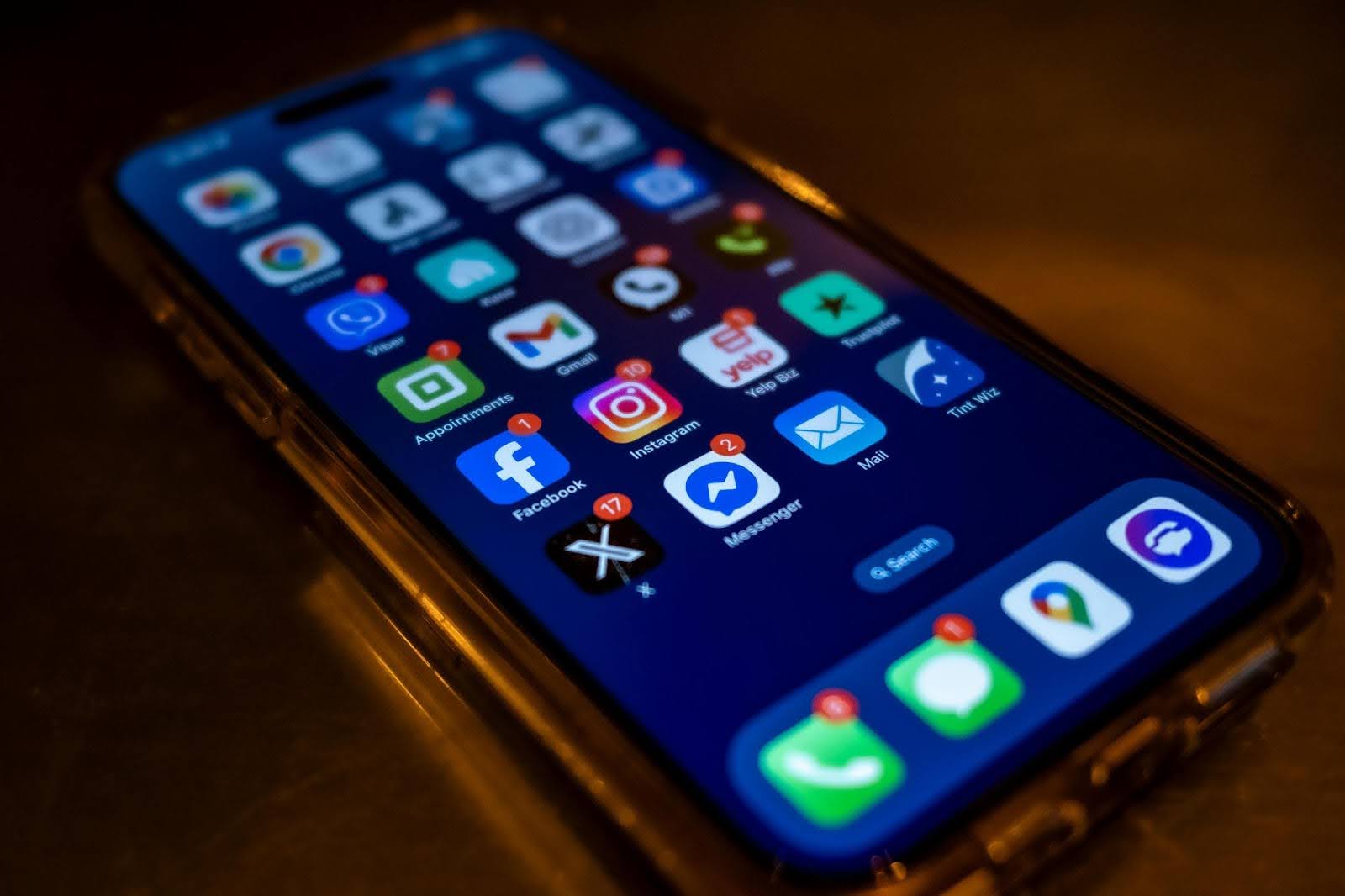
It starts with just one ping. Then another. And another. Before you know it, your quiet moment is gone, replaced by a string of alerts, banners, and badges lighting up your phone. Each notification alert on a phone screen might seem harmless, but together they can leave you feeling scattered, stressed, and constantly “on.”
At Affinity Cellular, we know your phone should support your day, not interrupt it. By adjusting how and when alerts reach you, it’s possible to shift from reactive scrolling to more mindful phone use.
Why Notifications Can Be Harmful
There’s a reason notifications are hard to ignore. Each buzz or flash activates a small dopamine release in the brain — creating a feedback loop that keeps us checking, even when there’s no urgency. Over time, this can lead to distraction, decision fatigue, and a fractured attention span.
Contrary to popular belief, multitasking doesn’t boost productivity. Switching between tasks, especially when prompted by a new alert, actually slows you down. It’s not just about efficiency, either. Constant interruptions have been linked to higher levels of stress and anxiety, especially when they pull you away from rest, focus, or face-to-face connection.
This raises a bigger question many of us are starting to ask: How much phone use is healthy? While there’s no one-size-fits-all answer, reducing constant alerts is a strong first step toward a more balanced digital life.
The Benefits of Controlling Notifications
Turning down the volume on your digital life has surprising benefits. People who manage their phone notification settings often report:
- Improved focus and time management: Fewer interruptions mean more uninterrupted blocks of time to concentrate and finish tasks.
- Better sleep: Reducing evening screen time helps your body wind down naturally, making it easier to fall — and stay — asleep.
- More meaningful conversations: Without the constant pull of alerts, it becomes easier to stay present with family, friends, and the world around you.
Simple Ways to Take Control
The good news? You don’t have to quit your phone. A few adjustments can make a big difference.
1. Review Your App Notifications
Start by checking which apps are sending notifications. You might be surprised by how many are lighting up your screen.
- On an iPhone: Go to Settings > Notifications. You’ll see a list of apps — tap on each one to see what types of alerts it sends. You can turn off things like banners, sounds, or lock screen notifications.
- On an Android phone: Open Settings > Apps & notifications > Notifications. Look for the “Recently sent” section, or tap “See all” to view a full list. From there, tap an app to change its settings.
If you don’t use an app often, or if it’s sending unimportant alerts, you can safely turn those notifications off.
2. Turn Off Unnecessary Alerts
Not every app needs your attention right away. You might want to keep text messages and calendar reminders, but turn off alerts from:
- Shopping apps.
- Games.
- Social media.
- News apps you don’t read regularly.
To turn off alerts completely for an app, go into that app’s settings or use the phone’s main notification settings as shown above.
3. Use Do Not Disturb or Focus Settings
Most smartphones have a feature that lets you silence notifications during specific times, like at night, during meals, or when you want quiet time.
- iPhone users: Open Settings > Focus or Do Not Disturb. You can set a schedule or tap it on/off manually from the Control Center.
- Android users: Open Settings > Sound & vibration > Do Not Disturb. From there, you can create rules for when to silence alerts, such as during bedtime or work hours.
You can even make exceptions for calls from family members, so you don’t miss something important.
4. Check Your Phone on a Schedule
Instead of reacting every time your phone buzzes, try checking it at regular times — maybe once an hour, or after finishing a task. This helps you stay focused without missing anything important.
A simple trick: Turn your phone face down when you don’t want to be disturbed, or put it in another room while doing something meaningful.
Creating a Healthier Daily Routine
Small changes add up. Try setting phone-free times during meals, when spending time with family, or while working on focused tasks. Use this time to reconnect, whether it’s with your surroundings, a good book, or your own thoughts.
Replacing reflexive checking with mindful phone use can be as simple as asking yourself, “Why am I reaching for my phone right now?” Often, we’re not answering a need, just following a habit.
Tracking your screen time (most phones offer this in the settings) can also help. Set realistic goals and gradually reduce your time online, especially during low-value scrolling.
Keeping the Habit Going
As your habits change, so will your needs. Revisit your notification settings every few months, especially after downloading new apps. Encourage those around you to respect your quiet time, and consider sharing your strategies to build mutual support.
And don’t forget to celebrate progress. Whether it’s an hour of focused reading or a phone-free dinner with friends, each small shift counts.
A Quieter, Calmer Connection
Managing notifications isn’t about cutting yourself off; it’s about choosing when and how you want to connect. With thoughtful phone notification settings and intentional routines, you can build healthy cell phone habits that support your focus, well-being, and time with others.
Affinity Cellular is here to help you simplify your digital life. Whether you’re looking for reliable, easy-to-use devices or affordable plans designed for real-life balance, we’ve got you covered. Explore our offerings today and take the first step toward a more mindful mobile experience.