
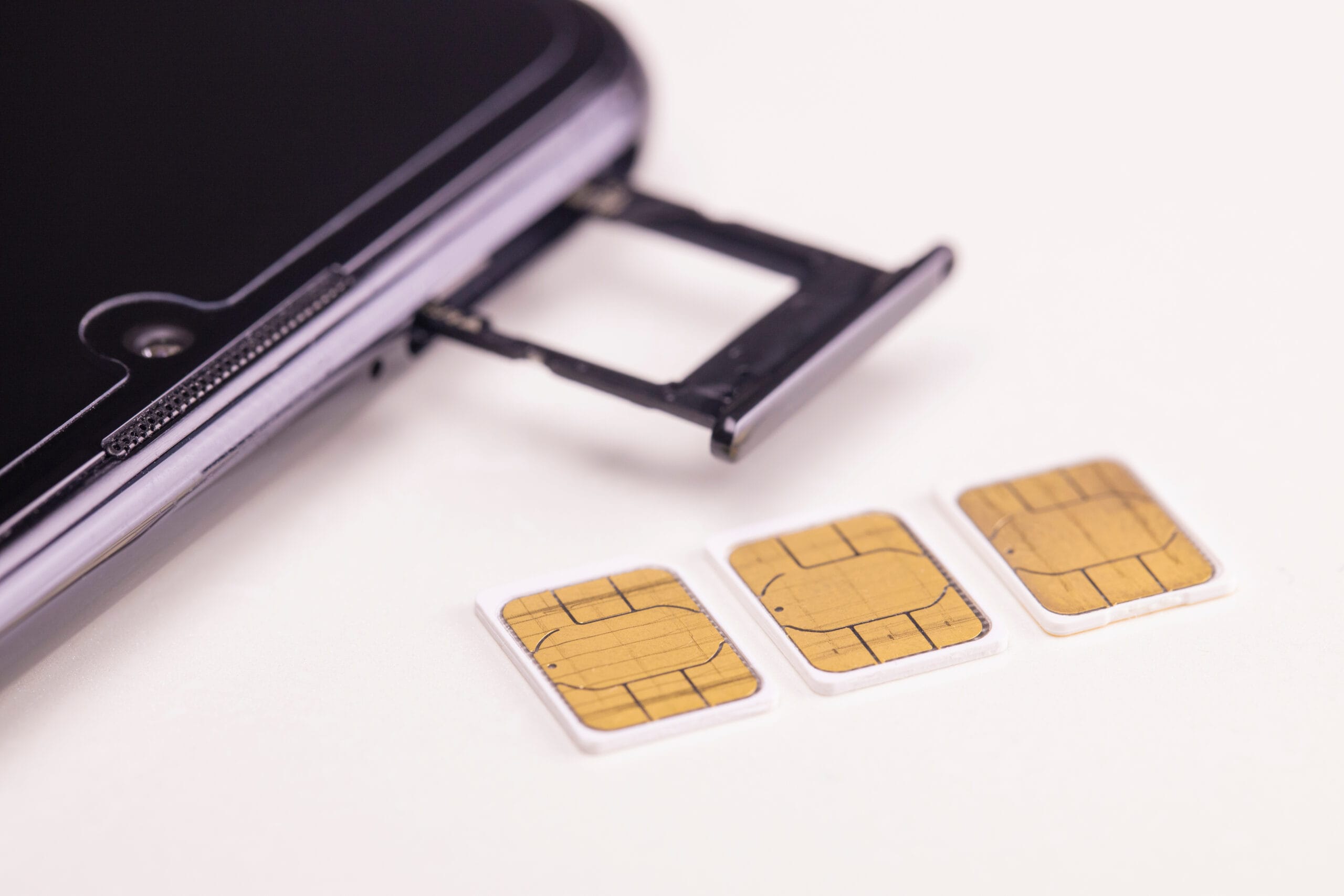
Picture this: You’re halfway through your morning coffee when your phone suddenly shows “No Service.” You restart it. Still nothing. Most people blame a tower outage and move on. In a SIM card swap scam, though, that blank signal bar means someone else now receives your calls and texts, including the security codes your bank sends. Fortunately, a few simple habits can make you a much harder target.
What Is a SIM Swapping Scam?
A SIM swapping scam is a type of fraud in which a criminal convinces your wireless carrier to move your phone number onto a SIM card the criminal controls. Once the transfer goes through, every call and text meant for you lands on the scammer’s phone, giving them a direct path into your accounts.
A close cousin, the port-out scam, moves your number to an account the thief opens with a different carrier. Scammers hijack the same routine process you’d use to keep your old number when switching providers. Both schemes go further than caller ID spoofing, which only fakes the number on your screen.
Phone numbers have become valuable because banks, email providers, and shopping sites use them to confirm your identity. The FBI reported 1,611 SIM swapping complaints in 2021, up from 320 across the previous three years combined, with losses topping $68 million.
How Do Scammers Pull Off a SIM Swap?
Scammers pull off a SIM swap by collecting your personal details, then calling your carrier and pretending to be you. Armed with your name, address, birthday, and the last four digits of your Social Security number, a convincing impostor can talk a customer service representative into activating a new SIM.
Most of that information comes from data breaches or phishing texts that trick people into “verifying” an account. The swap itself can take minutes, so many victims don’t notice until real damage has occurred.
Why Is a SIM Card Swap Scam So Damaging?
A SIM card swap scam is damaging because it gives criminals access to your text-based security codes. With your number in hand, a thief can tap “forgot password” on your email or bank account, receive the reset code by text, and lock you out within minutes.
From there, the trail often leads to drained accounts, new credit lines in your name, and identity theft that can take months to untangle. Email access alone can unlock dozens of other accounts tied to it.
What Are the Signs of SIM Swapping?
The most common signs of SIM swapping are a sudden loss of service with no clear cause and alerts about account changes you didn’t make. Watch for:
- “No Service” or “SOS Only” in a spot where your phone usually works
- A text or email saying your SIM card has changed
- Calls and texts that suddenly won’t go through
- Password reset or login alerts you never requested
What Should You Do If You Suspect a SIM Swap?
Anyone who suspects a SIM swap should contact their carrier right away from another phone and ask to lock or freeze the account. Speed matters, since the scammer is likely racing to reset your passwords before you catch on.
Next, change your email password first, then your banking passwords. Strong, unique passwords make it much harder for a thief to get back in. Call your bank and credit card companies so they can flag suspicious activity.
How to Prevent SIM Swapping Before It Happens
Knowing how to prevent SIM swapping starts with adding a PIN or passcode to your carrier account, which blocks anyone from making changes without it.
Under FCC rules adopted in 2023, wireless providers must also give customers a free way to lock their accounts against unauthorized SIM changes and number transfers. A few personal habits round out your defenses:
- Use an authenticator app, such as Google Authenticator, instead of text message codes, a step the Federal Trade Commission recommends for sensitive accounts.
- Choose security answers that strangers can’t look up, and avoid reusing them.
- Keep birthdays, addresses, and pet names off public social media.
- Check bank and account activity at least once a week.
Many of the same habits that guard against everyday phone scams apply here. One mistake to avoid: assuming scammers only target “tech-heavy” people. Anyone with a phone number and a bank account is fair game.
A Simple SIM Swap Protection Checklist
A SIM swap protection checklist covers five basics that take less than an hour to set up:
- Carrier account PIN or passcode in place
- Two-factor authentication moved off text messages where possible
- Personal details kept private online
- Bank and account activity reviewed regularly
- Your carrier’s number and your bank’s fraud line written down somewhere outside your phone
Staying a Step Ahead
A surprise “No Service” message, an unexpected SIM alert, or a login you never made should each prompt a quick call to your carrier and bank. At Affinity Cellular, we want your number to stay right where it belongs: with you. If something about your account ever feels off, contact our U.S.-based support team for help. You can also explore our no-contract plans built around simple, dependable service.