
Key Takeaways
- Learning how to use coupons on your cell phone is one of the easiest ways to save money on groceries, prescriptions, and everyday purchases.
- A mobile loyalty rewards program lets you earn points and redeem rewards without carrying a wallet full of cards.
- You can store loyalty cards on your phone using your phone’s built-in wallet app or a free third-party app.
- A digital wallet for gift cards keeps all your balances in one place, so nothing gets lost or forgotten in a drawer.
Your phone is already doing a lot for you. But if you’re not using it to save money while you shop, you may be leaving real savings on the table every single week. Digital coupons, loyalty rewards, and savings apps have replaced the coupon binder and the keychain full of plastic cards, and they’re easier to use than most people expect.
How Digital Phone Coupons Work
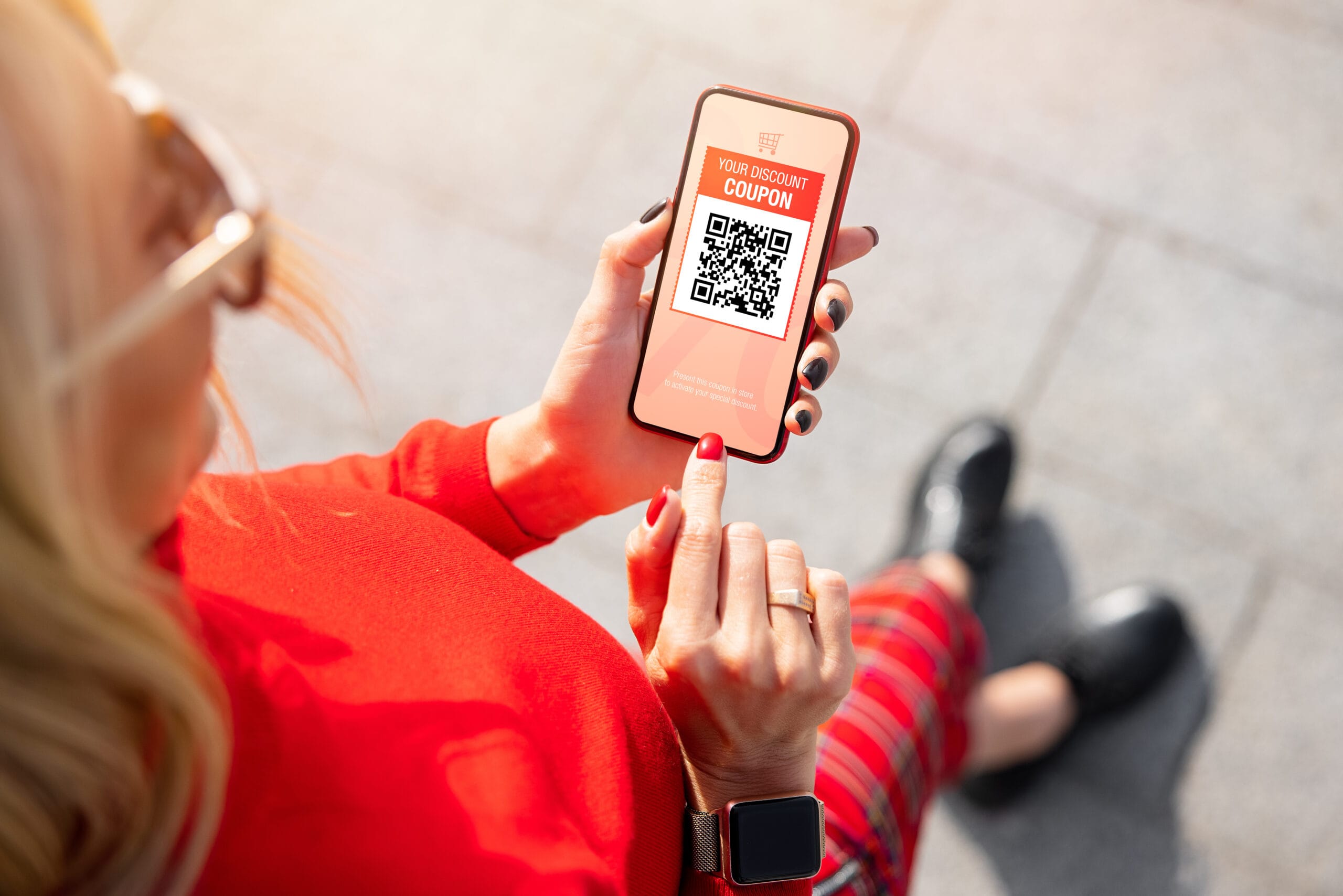
Understanding how to use coupons on your cell phone starts with knowing where to find them. Most major grocery stores, pharmacies, and retailers have their own apps where digital coupons are available to browse and activate before you shop. You simply tap the offer to clip it to your account, and the discount applies automatically when you check out and scan your rewards card or phone number.
Some coupons arrive by email from stores you already shop at. Opening those emails before a shopping trip and tapping “activate offer” or “add to card” is all it takes. Others are available through third-party apps like Ibotta or Fetch, which let you earn cashback on purchases you were already planning to make.
One habit worth building: Set a quick reminder before your regular shopping day to browse available offers. A few minutes of scrolling before you head to the store can add up to meaningful savings at the register.
Using Mobile Loyalty and Rewards Programs
A mobile loyalty rewards program works by tracking your purchases and rewarding you with points, discounts, or free items over time. Grocery chains, pharmacies, coffee shops, restaurants, and gas stations all offer them, and most are completely free to join.
Once you’ve downloaded a store’s app and created a free account, your phone becomes your loyalty card. At checkout, you either scan a barcode in the app or give your phone number, and your points are added automatically. Over time, those points translate to discounts on future purchases, free products, or special member pricing you wouldn’t get otherwise.
Gas station rewards programs are particularly worth using. Several major chains offer per-gallon discounts to members that add up quickly for anyone who drives regularly.
How to Store Loyalty Cards on Your Phone
You can store loyalty cards on your phone without downloading a separate app for every single store. Both iPhone and Android phones include a built-in wallet app — Apple Wallet on iPhone and Google Wallet on Android — where you can add loyalty cards, store gift card balances, and keep everything in one easy-to-find place.
A digital wallet for gift cards works the same way. Rather than keeping physical gift cards in a drawer where they’re easily forgotten, adding them to your wallet app means the balance is always with you and easy to check. Third-party apps like Stocard or Key Ring can also hold multiple loyalty cards if you prefer a dedicated option.
If you’re still getting comfortable with apps in general, understanding what’s already built into your phone is a great place to start before adding anything new.
Budget-Friendly Apps Worth Knowing About
A few apps are particularly useful for everyday savings without requiring much effort. Ibotta connects to grocery store purchases and offers cashback on specific items. Fetch Rewards lets you earn points by scanning any receipt from any store. Flipp aggregates weekly store circulars in one place so you can compare sales before deciding where to shop.
For prescriptions, GoodRx is widely used and can significantly reduce the cost of medications at most pharmacies, sometimes more than insurance. It’s free to use and requires nothing more than showing the app’s coupon at the pharmacy counter.
These are all solid cell phone and money-saving tips that require very little setup and no technical expertise.
Avoiding Coupon and Rewards Scams
Not every offer that shows up on your phone is legitimate. Fake coupon texts, suspicious “free gift” emails, and lookalike apps are real and worth watching out for. A few simple rules go a long way.
Only download store apps directly from the App Store or Google Play and look for the official brand name and a high number of reviews before installing. Be skeptical of any text message offering a prize or a coupon that asks you to click a link from an unfamiliar number. If an offer seems too good to be true, it usually is. Staying safe while using your phone is a skill worth developing alongside any savings habit.
Protecting your personal information also means being thoughtful about what you share when signing up for rewards programs. A name, email address, and phone number are standard. An app that asks for your Social Security number or banking information to join a loyalty program is a red flag.
Small Savings That Add Up
Savings tools on your phone work best when they fit naturally into what you’re already doing. You don’t need to download a dozen apps or spend hours hunting for deals. Starting with the app from one store you already shop at regularly is enough. Get comfortable with how to use coupons on your cell phone, then add one more when you’re ready.
For people on fixed incomes or tight budgets, even modest and consistent savings on groceries, gas, and prescriptions make a real difference over the course of a year. Understanding your phone’s full range of practical uses, from health tools to savings apps, is one of the best ways to get real value from a device you already own.
At Affinity Cellular, we believe staying connected should be affordable, too. Our flexible, no-contract phone plans start at just $20 a month, and our affordable devices are chosen with everyday usability in mind. Affinity Cellular’s customer service team, based in the USA, is always happy to help you get the most out of your phone, including the tools that help you save.